How to Register for Session
For interactive view, click HERE!
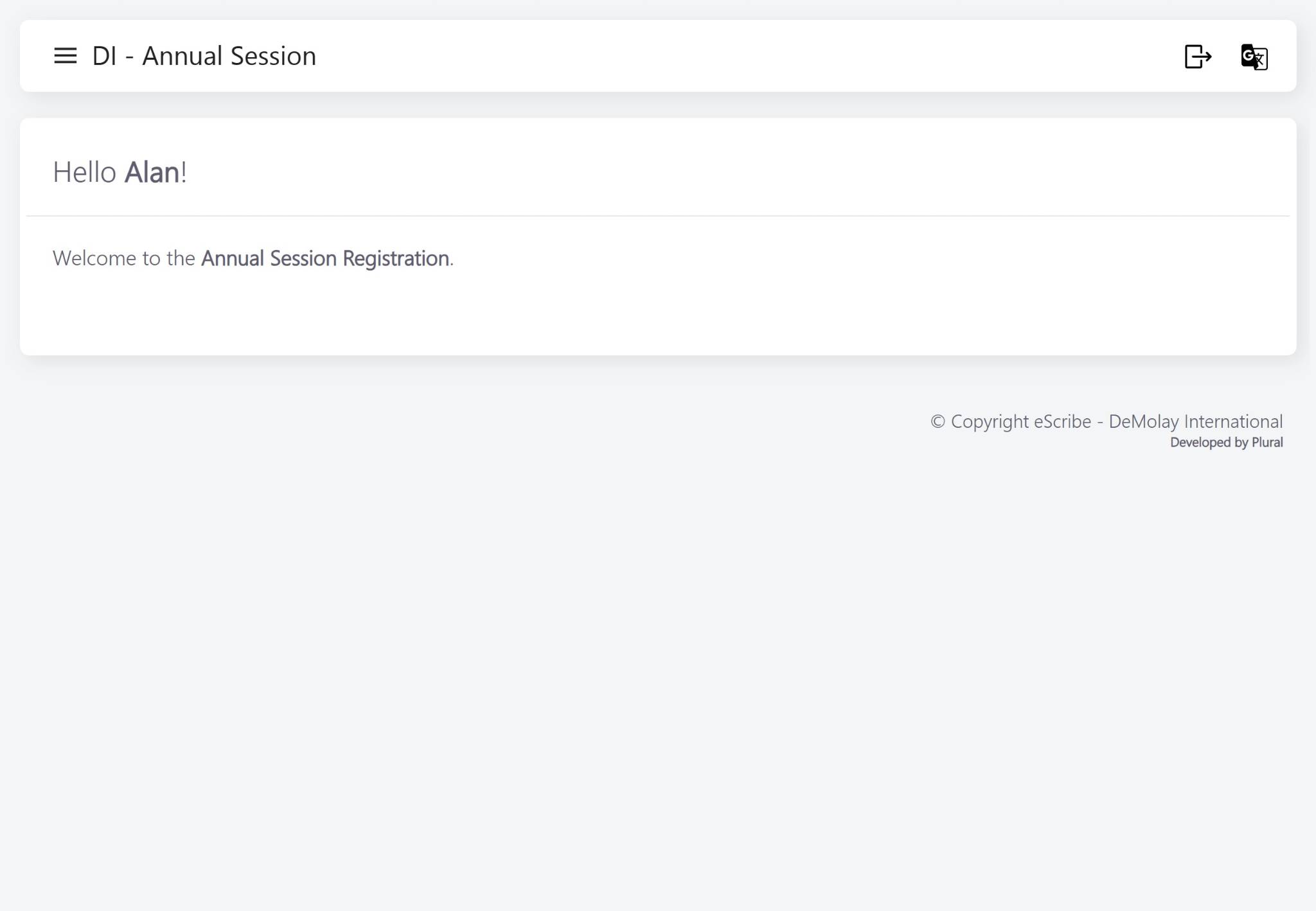
Navigate to https://session.demolay.org/home/
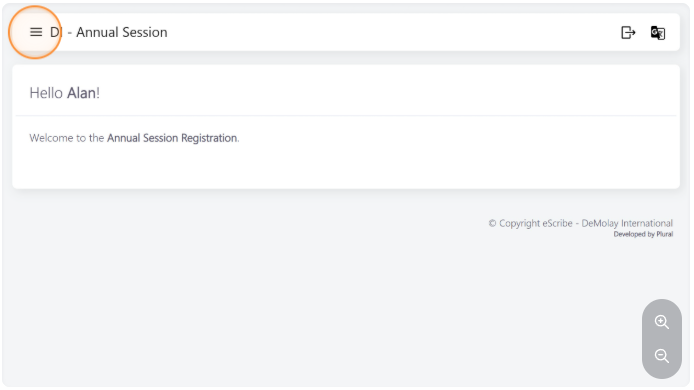
Click here to expand the menu if not visible
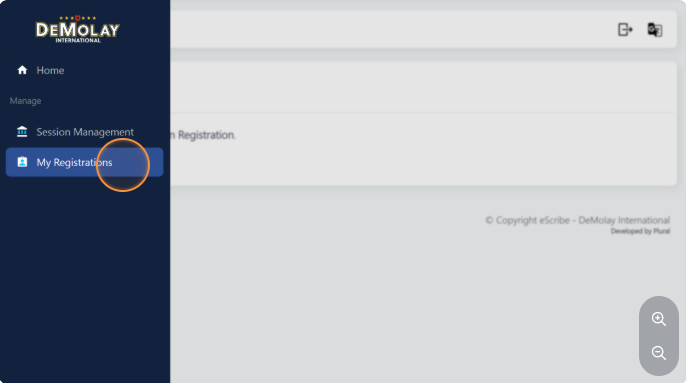
Click "My Registrations"
Click "Manage Registrations"
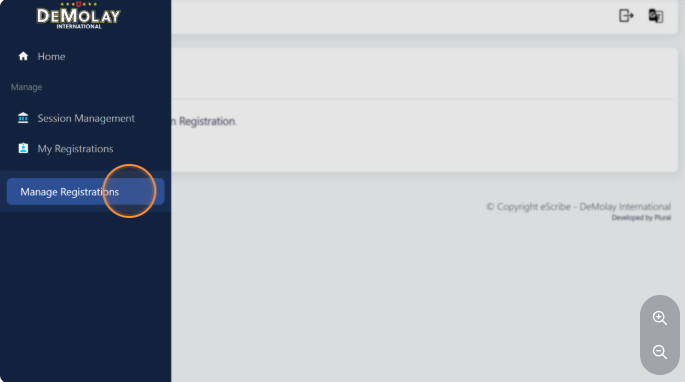
Select the registration you would like to manage/create
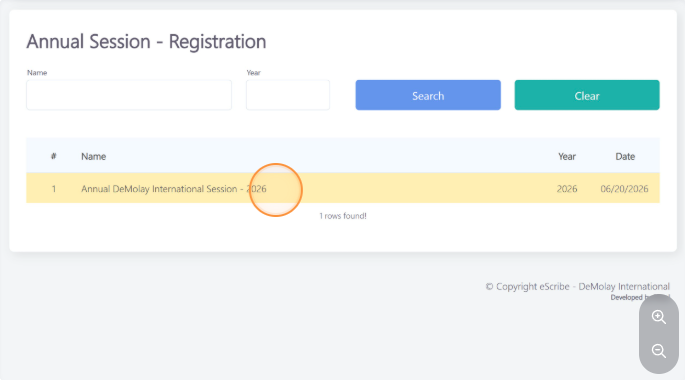
Click "Create here to register" if you have not yet registered
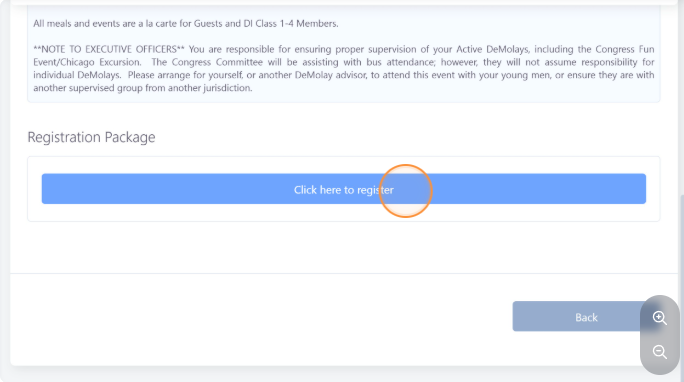
Fill the form with your information and preferences and when done, click on "Calculate Registration Cost"
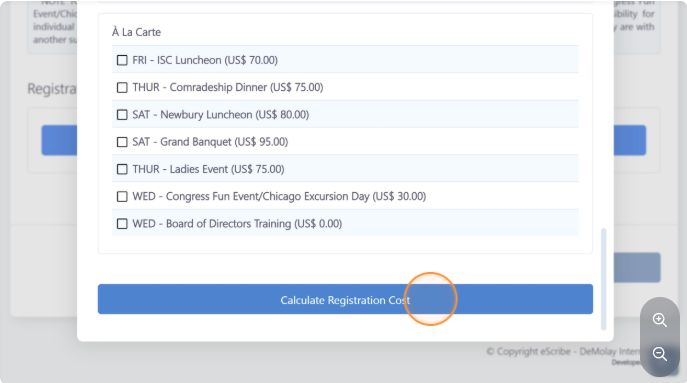
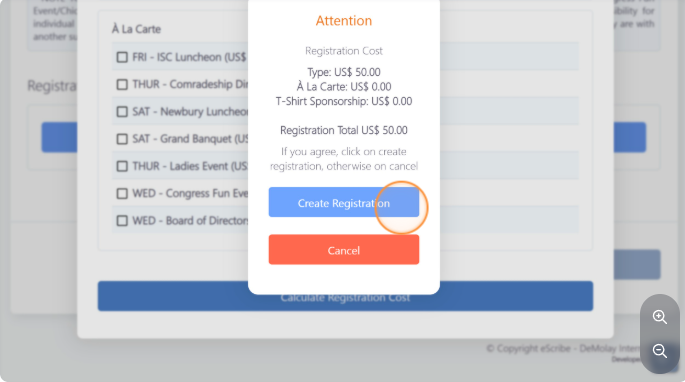
Review your registration cost and click on "Create Registration"
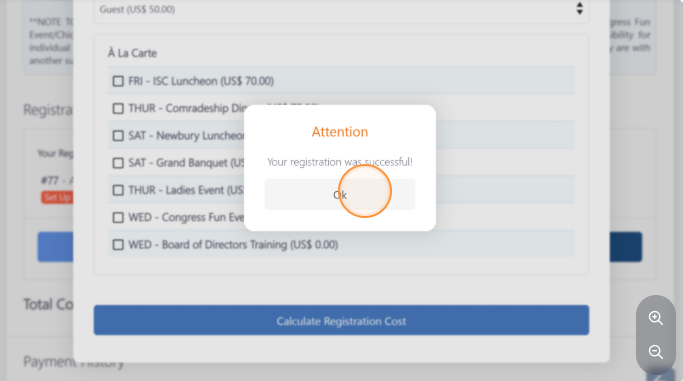
Click "Ok" to confirm the action
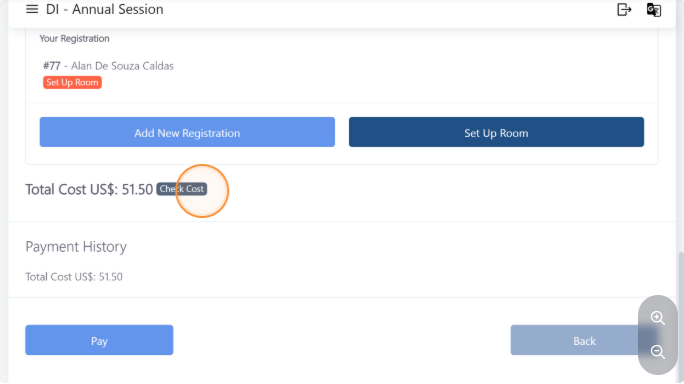
Click on "Check Cost" to review an itemized cost for your registration.
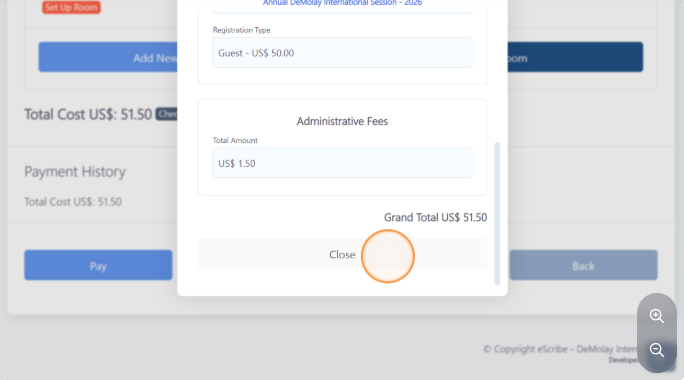
After reviewing it, click on "Close"
For room set up you will have 3 options: 1 - You can decide not to stay at the host hotel (extra fee will be added) 2 - You can share a room with someone else on a different registration package 3 - You can set up a room and manage guest room assignment under your registration.
Click on "Set Up Room" to create a new room under this registration.
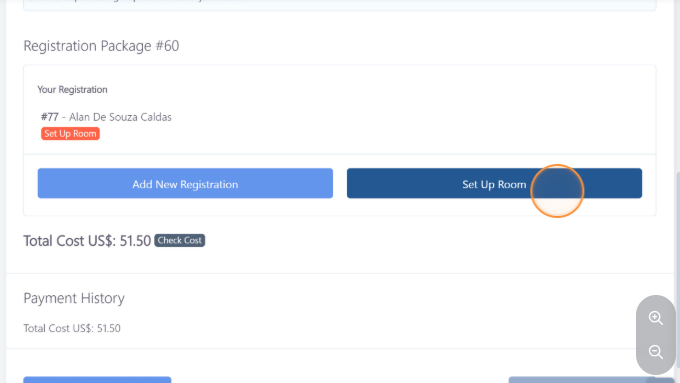
Click on "Set Up Room"
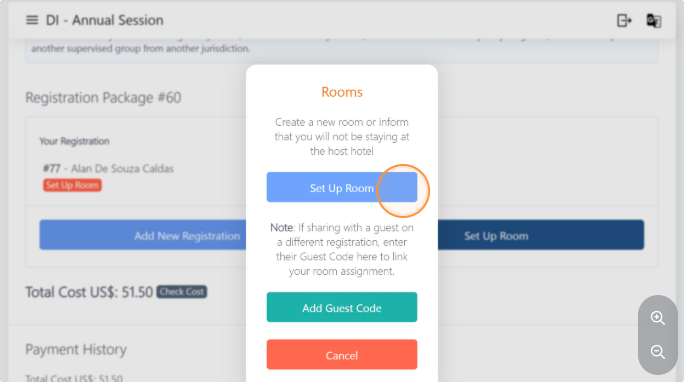
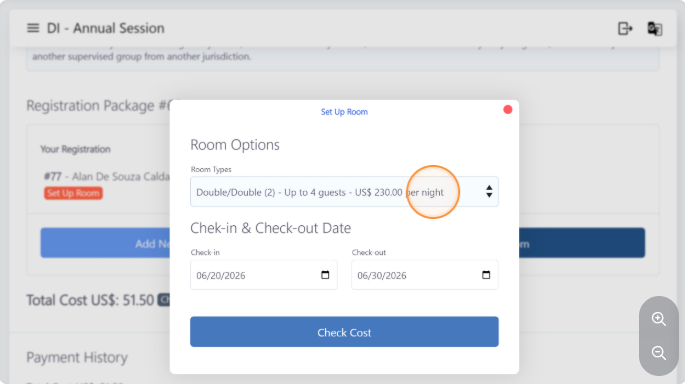
Select the room type and check-in and Check-out dates.
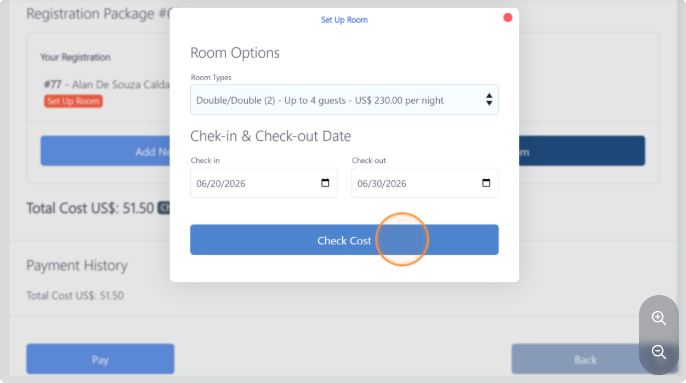
Click on "Check Cost" to calculate prices
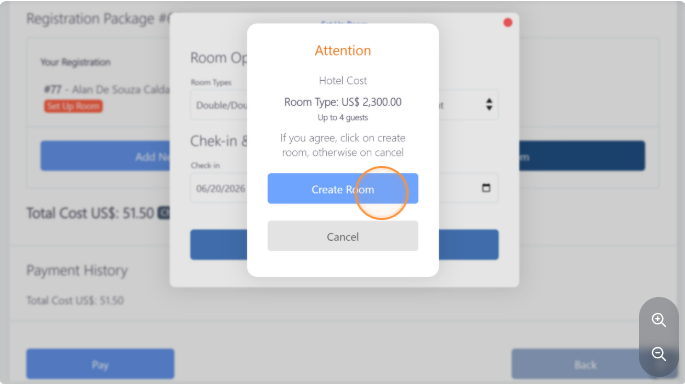
Click on "Create Room"
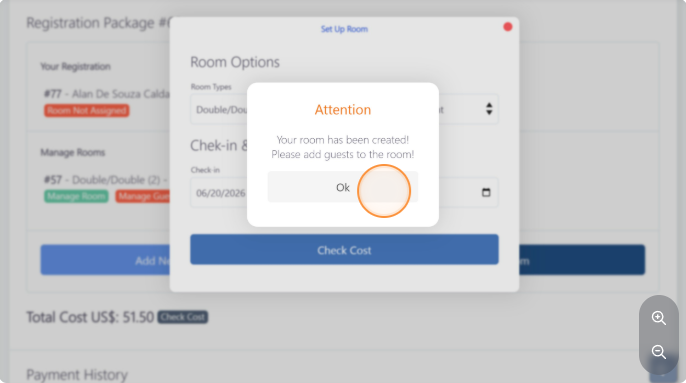
Click on "Ok" to confirm the action
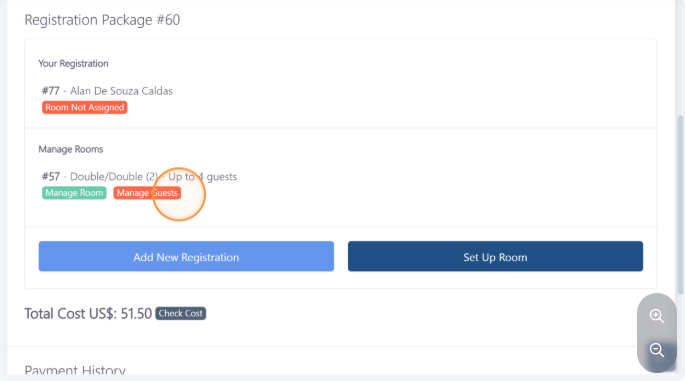
Click on "Manage Guests" to add or delete guests from a particular room
The following steps will show how to start the process to add someone the is not under the same registration, but will be sharing a room with you.
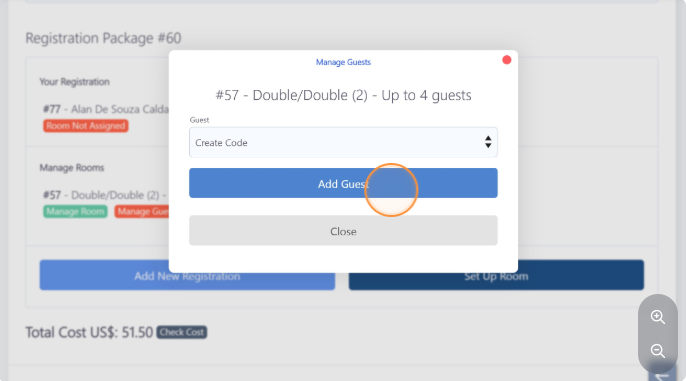
Select the "Create Code" option.
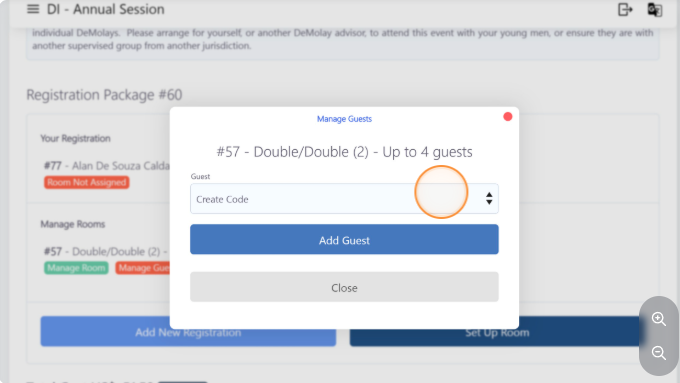
Click the "Add Guest" button
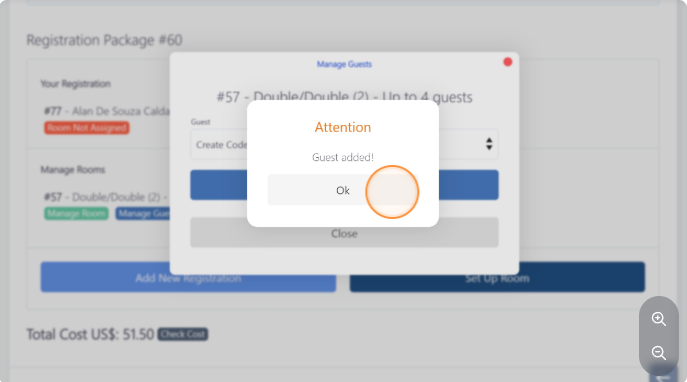
Click "Ok" to confirm the action
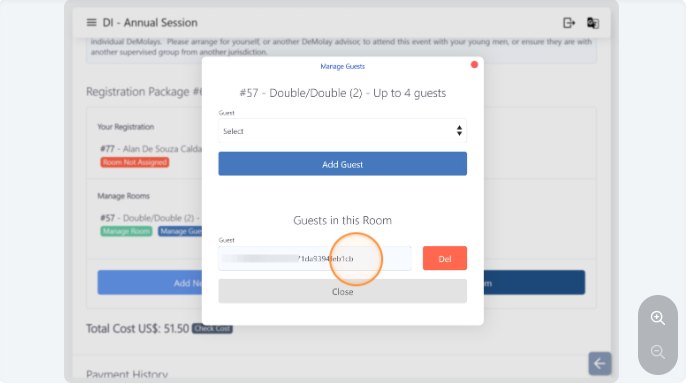
A line will be added next that list the "Guests in this Room" and a "Guest" with a code will be shown. Copy and send this code to the other guest that will be sharing a room with you.
The following steps will show you how to assign guests that are under the same registration package to a room.
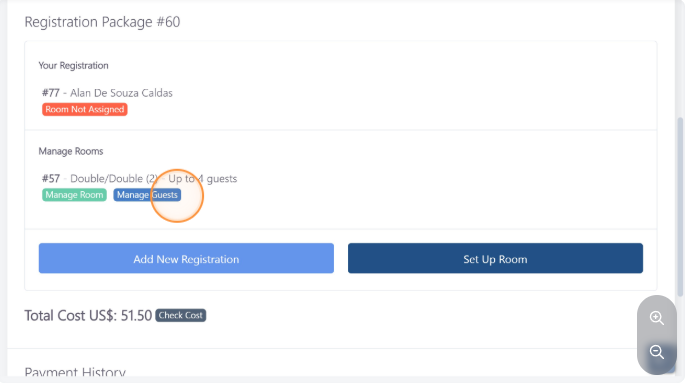
Click on "Manage Guests"
Select the guest you would like to assign to this particular room
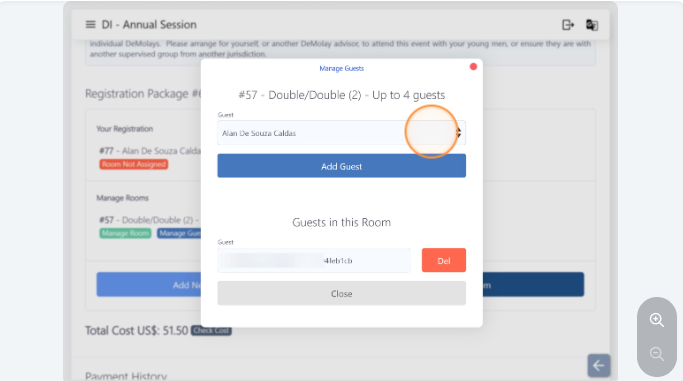
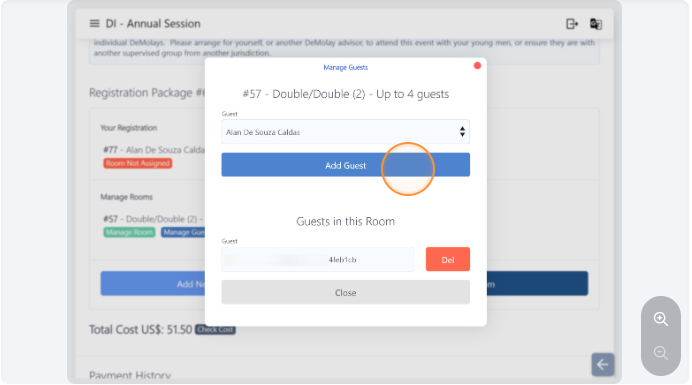
Click "Add Guest" to add the selected person that will be staying in this room
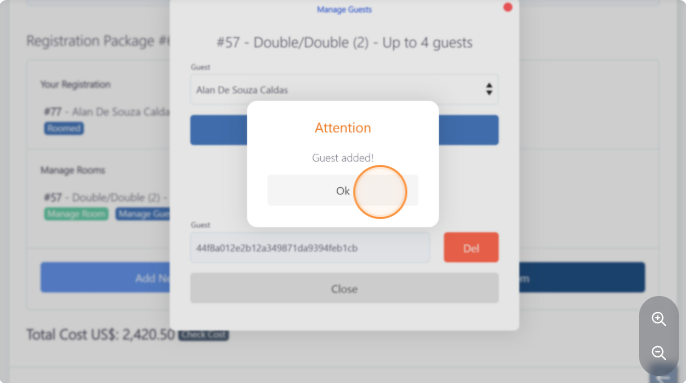
Click on "Ok" to confirm the action
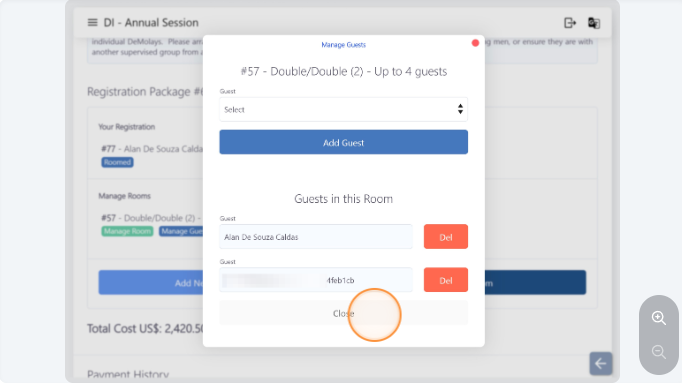
Click "Close" to leave the window
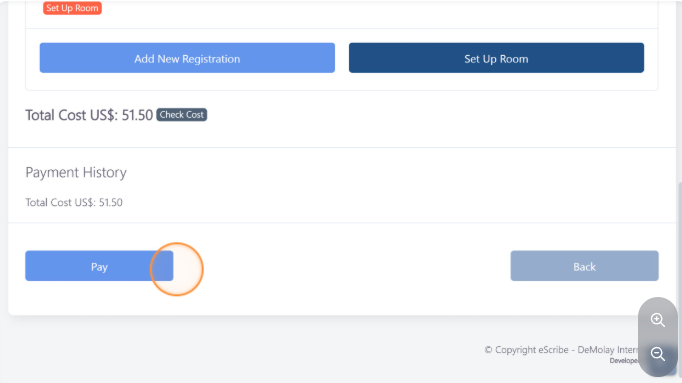
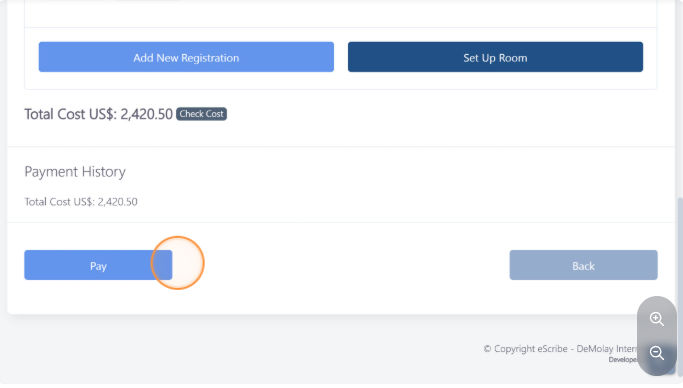
Click on "Pay" to complete the process
The next few steps will show how to add the code to your registration if you are sharing the room with someone else and they are responsible for managing guests and paying for the room.
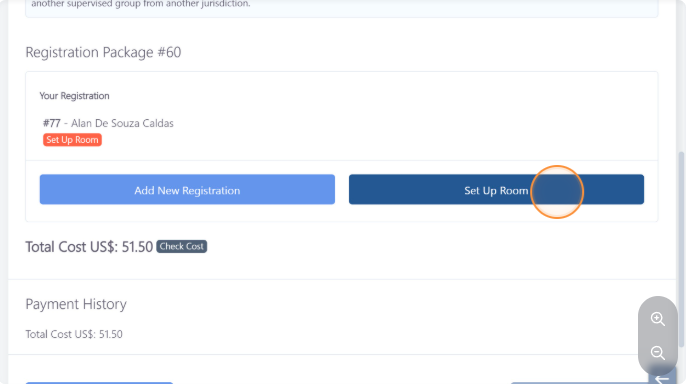
Once the code has been shared with you, click on "Set Up Room"
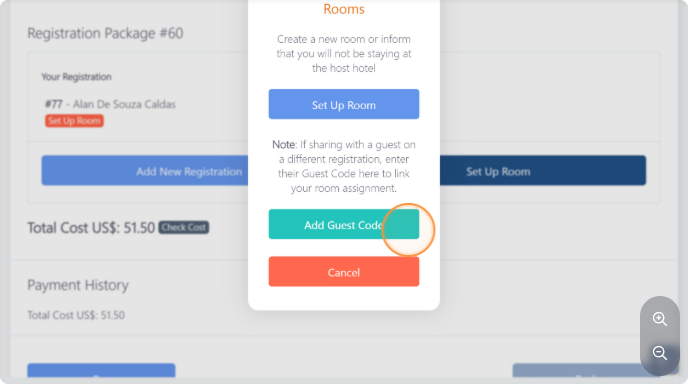
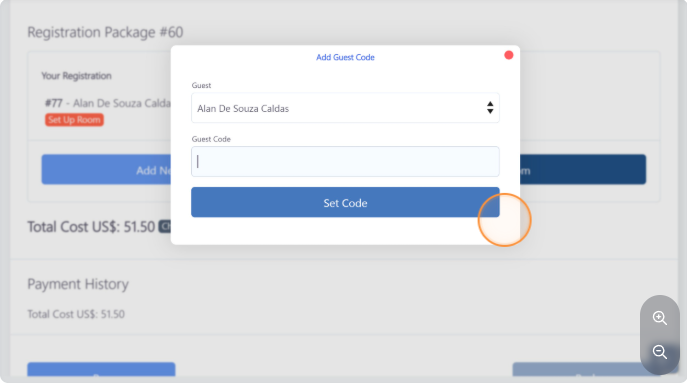
Click on the "Add Guest Code" button
Paste the code on the "Guest Code" field
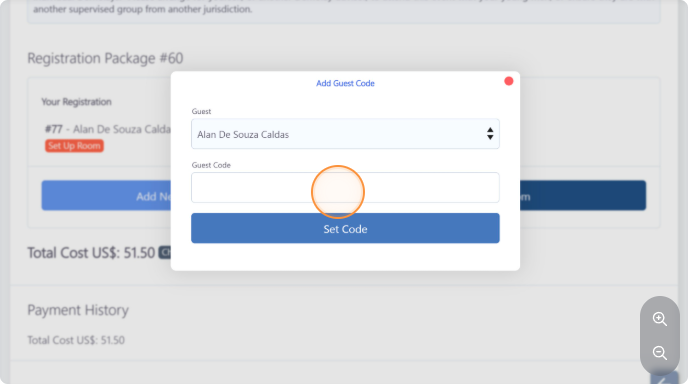
Click on "Set Code"
Click pay to finish the registration process