
How To Register A New Youth Member Online
Navigate to https://escribe.demolay.org/home/
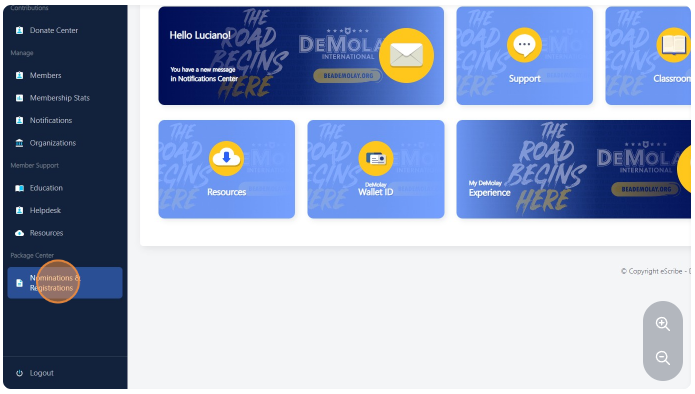
Click "Nominations & Registrations"
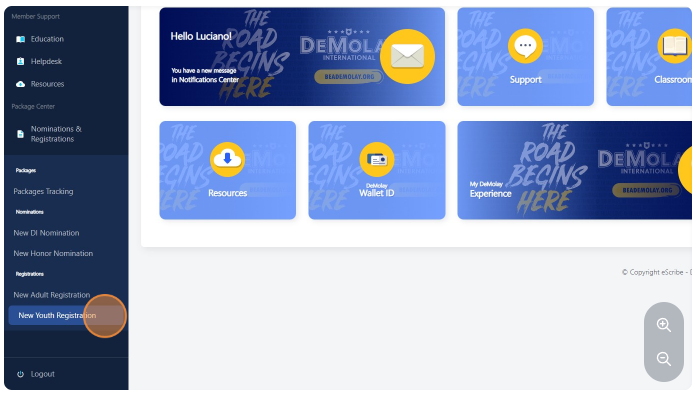
Click "New Youth Registration"
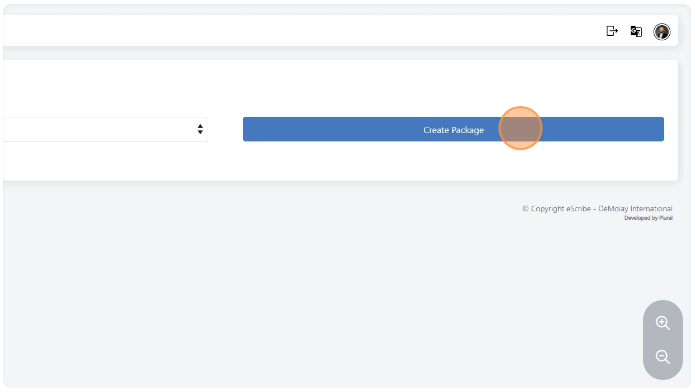
Click the "Create Package" button field to create a new registration.
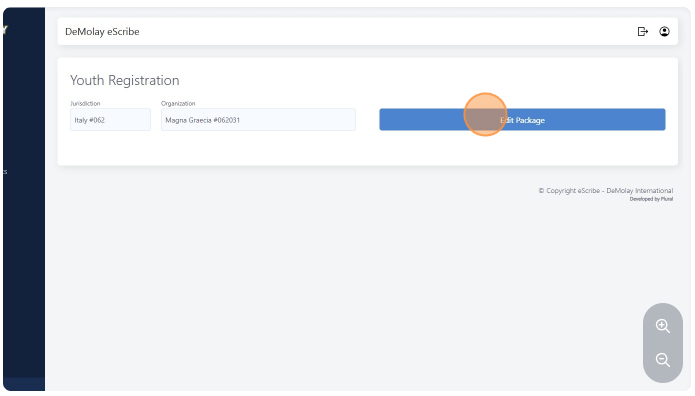
If you are returning to the system and will continue to edit your submission, click the "Edit Package" button field.
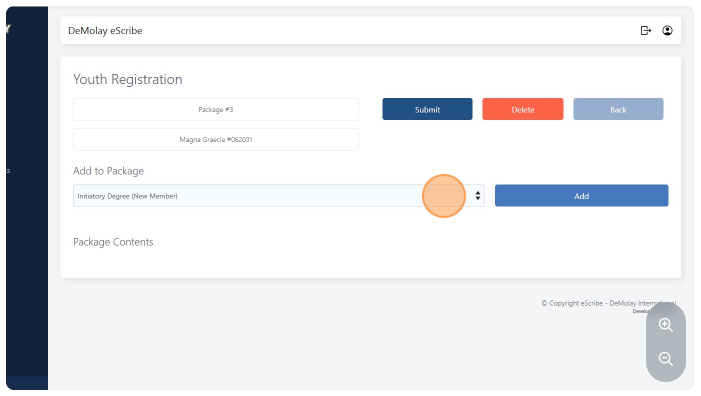
Select the "Initiatory Degree (New Member)" option. Or any other registration you would like to add.
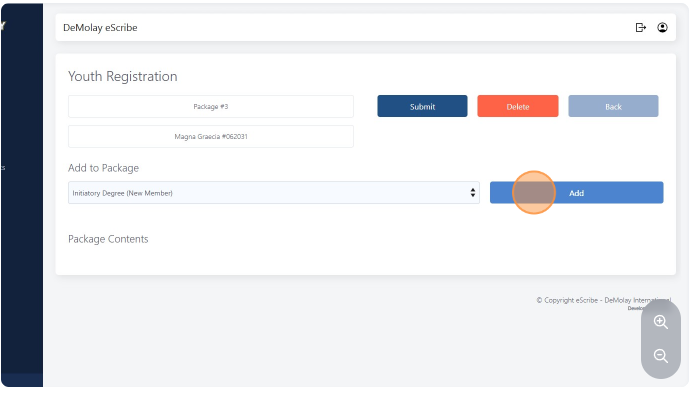
Click the ADD button, and complete the information.
Once you're done editing/adding the registration, click on the blue "submit" button up on top.