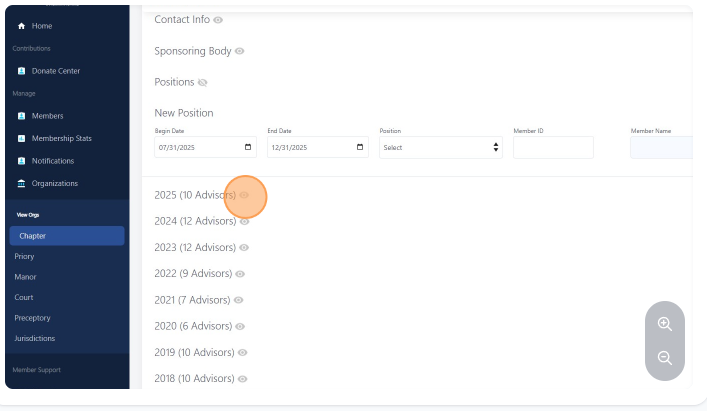
How to find what advisors are registered to a chapter
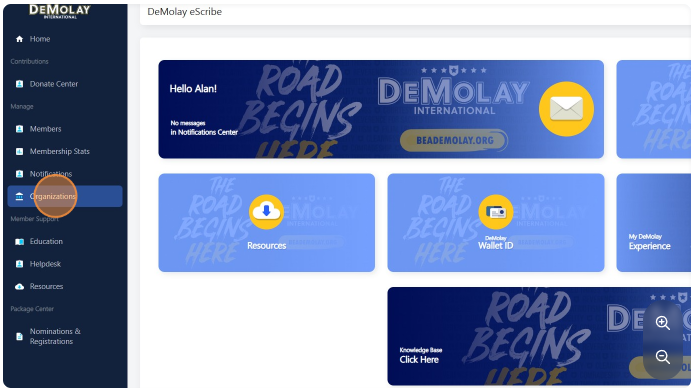
Navigate to https://escribe.demolay.org/home/
On the left menu click "Organizations"
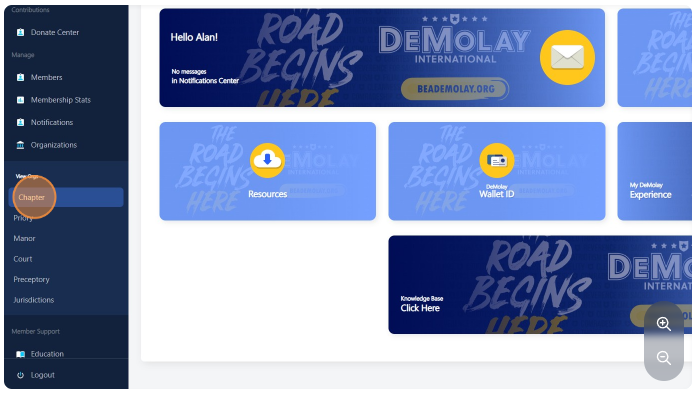
Click "Chapter"
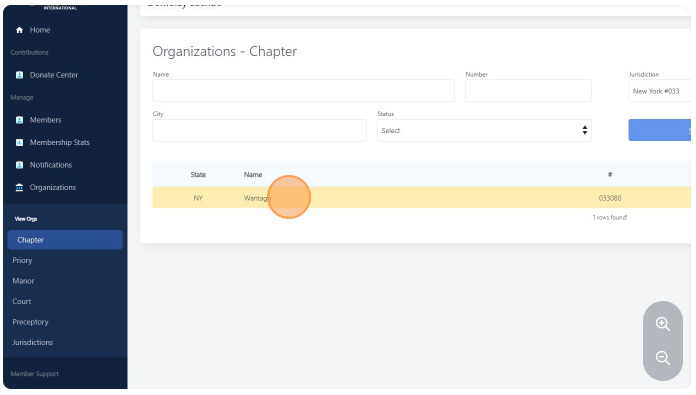
Select the chapter you would like to see an advisor roster or hit search without selecting a chapter to show all chapters visible to you.
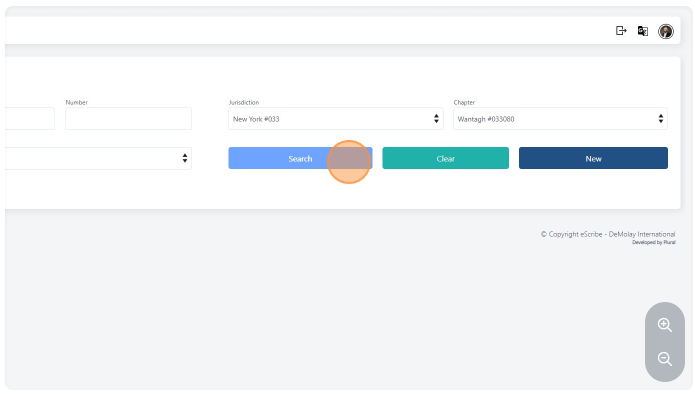
Click on the chapter name you would like to see all registered advisors.
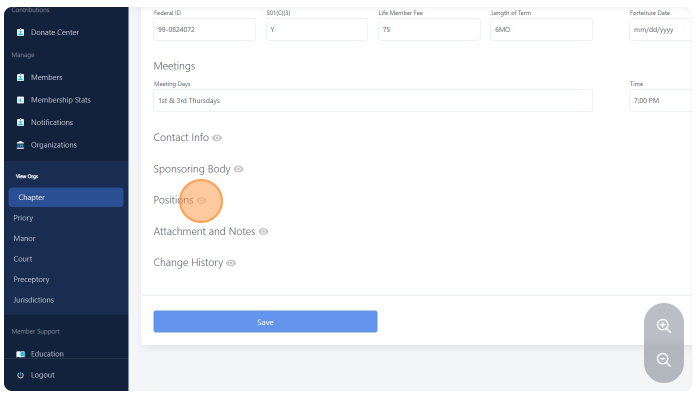
Go to the "Position" section and click on the eye icon to expand the area
Choose the year you would like to see the roster